
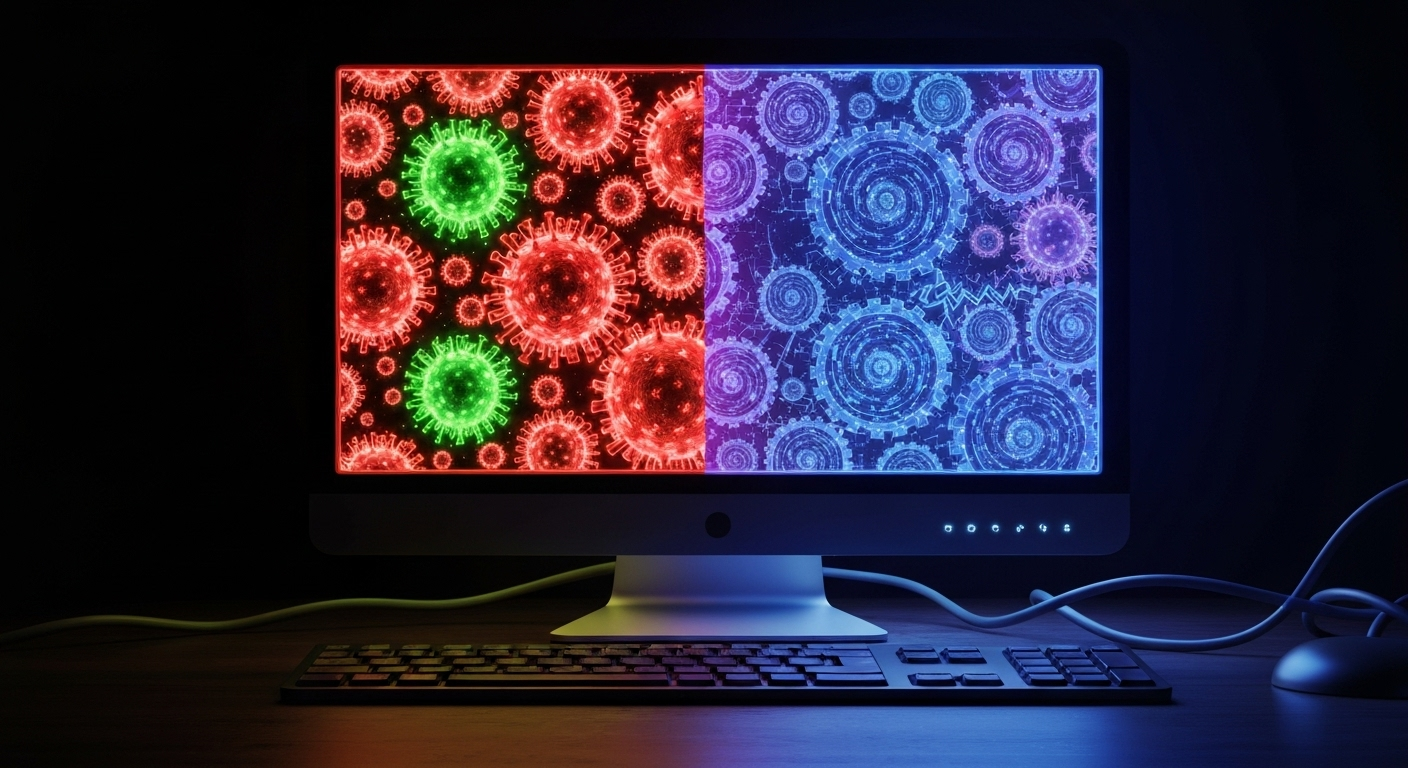
Key Highlights
Here are the main things to know about how a virus and malware are not the same:
- Malware is a term for any malicious software made to hurt computer systems.
- A computer virus is a specific type of malware that spreads by infecting files.
- All viruses are malware, but not all types of malware are computer viruses.
- Some other common types of malware are ransomware, spyware, worms, and trojans.
- Knowing the difference helps you pick the right cybersecurity steps to keep you safe.
Introduction
In cybersecurity, you may hear people talk about “virus” and “malware” often. A lot of the time, they use these words as if they mean the same thing. But they do not. A virus is only one type of harmful software, while malware is a general word that covers all types of bad software. Malware means any kind of malicious software that can harm your computer systems. A virus is just a type of malware. Knowing how they are different can help you keep your sensitive data safe from hackers.
Understanding Malware vs Virus
So, what is the difference between a virus and malware? Think about it like this. Malware is the umbrella term for any software that is made to harm your computer or data. It is a wide group. Malware covers all types of malicious software.
A virus is a type of malware. What sets it apart is that this malware can copy itself and move to other files or computers. A virus is just one kind from the big malware group. Let’s take a closer look at what these words mean.
What Is Malware?
Malware is a general term for malicious software. It means any program or code that is made to cause problems for computer systems. Malware can disrupt the way computers work, steal sensitive information, or try to get unauthorized access to your device. This umbrella term covers many kinds of digital threats. Hackers use these malicious programs to get into a victim’s computer and pick up as much data as they can. A lot of the time, they do this for a third party’s benefit.
The main purpose of malware is to do harm. It can steal your personal details and even your credit card numbers. Some types of malicious software might hold your files for ransom. The word “malware” is used for many different kinds that can hurt your computer or your data.
Under this umbrella, you get types of malware like computer viruses, worms, Trojan horses, ransomware, and spyware. They all work in their own ways, but the goal is the same. These malware try to break into your system so the attacker can get something out of it.
What Is a Virus?
A virus is a type of malware. This specific type of malware can make copies of itself. A virus does this by putting its harmful code inside a clean executable file. When you open the infected application, you start the virus without knowing it. After the virus is running, it can spread to other files and programs on your computer, and it may move through a computer network too.
The impact of a computer virus can be mild or it can be major. Some computer viruses only slow down your computer, which can be annoying. Others do more harm. A computer virus can change or remove your files, make your data bad, or bring big problems when you work on your computer.
A virus is different from other forms of malware. It needs people to help it spread. If you open an email attachment that has malware or download a bad file, you could start the virus. This action is what gets the virus going, and then it begins to copy itself and infect your computer.
Why Are the Terms Malware and Virus Used Interchangeably?
You may notice people use the terms malware and virus like they mean the same thing. The reason for this is that viruses have been around for a long time. A virus was one of the first and best-known digital threats. For years, people would say “virus” when talking about any kind of bad software on a computer.
The two are a lot alike, which often causes people to get confused. A virus is actually a type of malware. As a result, many people use the word “virus” when they talk about any kind of malicious software. This is why “virus” is now used by many to talk about any malware threat, not just a certain type of malware.
However, you need to know that these words have different meanings. Using the right terms helps you know the exact threat you face. It also shows you the best way to remove it and keep yourself safe. Telling them apart is so important for good cybersecurity.
Types of Malware
Now that you know a virus is just one part of the problem, there are other dangerous things in the malware group. The world of malicious software is big. It has many malicious programs. Each is made to attack your system in its own way.
Besides viruses, there be other common examples of malware. These include worms, ransomware, and spyware. Each of these forms of malware works its own way to get into your devices. Some hold your files to make you pay. Others try to watch what you do without you knowing. Let’s look at what those threats can do and how they work.
Worms, Ransomware, and Spyware as Examples of Malware
Worms, ransomware, and spyware are a few of the most common types of malware you may run into. All of these are malicious programs, but each type of attack works in its own way. Knowing how they work can help you spot malware and stop it before it causes trouble.
A worm is a type of malware. It can copy itself and move to other computers on its own. The worm does not need help from people to do this. Unlike a virus, a worm is not attached to another program. Worms often get into a network by using its vulnerabilities. This makes it spread fast.
Here are a few other prominent examples:
- Ransomware: This type of malware blocks your files or stops you from using your computer. The attacker asks for a ransom, and they often want it paid in cryptocurrency before giving you back access.
- Spyware: This type of malware watches what you do. It quietly takes things like passwords and other sensitive information from your computer. It then sends this data to a third party.
Notable Malware Attacks
History has many examples of malware attacks that caused problems for people and businesses. These stories show that malicious software can be used in several ways. One well-known type of malware is Emotet. This malware often comes by way of phishing emails. These emails have bad links or files inside them. If someone clicks the link, the system gets infected with the malware.
Another example of this type of attack is Clop Ransomware. This ransomware is known to be very disruptive. It can switch off a system’s security tools. When the hackers get control of the system, they use different ways to grab confidential data. Then, they ask for money so that the data will not be shared with the public. It is a way for hackers to leave a bad mark online for the victim.
Here are a few different types of malware and what each one does:
| Malware Type | Description |
|---|---|
| Rootkit | Designed to be hard to detect, it disables security software and gives an attacker full control of the system. |
| Trojan Horse | Disguises itself as legitimate software to trick users into installing it, which can lead to data theft. |
| Adware | Displays unwanted advertisements on your screen and can collect data about your browsing habits without consent. |
Types of Computer Viruses
Just like there are many kinds of malware, there are different types of viruses too. Computer viruses do not all work same way. Each one gets into your system in its own way. Some of them do not do much harm and may just bother you a little. Others can be much worse. The bad ones might mess up your files or damage your system functions. Some could even break things on your computer in ways that are hard to fix.
Knowing about the types of viruses can help you see how they may affect your device. Some viruses can stay hidden in the memory of your system. Others might infect certain kinds of files. Every virus can be a new problem for the security of your device.
Common Viruses and Their Impact
Many kinds of computer viruses have become well-known over the years. Some of the viruses stopped system functions. Others took sensitive data, or made it hard to use a computer. The Nimda virus is a famous one. It spread fast on the internet, and made computers slow. It also slowed down internet traffic for many people.
Another kind of virus is called a browser hijacker. It changes your browser’s settings without you knowing. It will send you to sites that you do not want to go to. This can happen so others can make fake ad money or take any information you type on these bad sites.
Here are a few common types and their effects:
- File Infectors: These types of viruses stick to executable files. When you open or run the file, the virus wakes up and can spread to other files.
- Macro Viruses: These viruses attack files with macros, like in Microsoft Word or Excel. The virus runs as soon as you open the infected file.
- Boot Sector Viruses: These infect the master boot record found on a hard drive. They can stop your computer from working the right way and may stop it from starting at all.
Difference Between Computer Viruses and Other Malware
The big difference between a computer virus and other types of malware is how they move around and work. A computer virus needs a host program. It puts its own code into a real file on your the computer. The virus cannot spread by itself. A user has to open or run the file for the virus to get out and start to spread.
This is different from other types of malware, such as worms. A worm is a program that can make copies of itself. It spreads through a network on its own and does not need to attach to another file or wait for a person to help it. A worm uses weak points in systems to move and grow.
A trojan horse is not like a virus because it does not make copies of itself. It tricks people by looking like a safe app. When you install it, it lets an attacker get into your device through a backdoor. The way trojan horse malware works shows that there is not one way malware acts. All viruses are malware, but not all malware is the same as a virus.
How Malware vs Virus Infect Computers
It is important for people to know how malware and viruses get into computer systems. This helps us build better protection. The ways these problems spread are often not complex. They can happen while you check your email or go on the internet. Hackers use these normal things that people do with their desktops, laptops, and smartphones. They send bad code that can hurt your computer systems.
If you learn how malware gets in and spreads, you can be more careful and help keep your endpoint safe. A virus often tries to get you to click on a file. Fileless malware works in the background and is harder to spot. When you know where these threats can enter, it is easier to stop them before they cause problems for your endpoint security.
Methods and Pathways of Infection
Malware and viruses can get into your computer in many ways. A big way is through phishing emails. An attacker may send you an email that looks real. But, this email has a dangerous link or an infected application. If you click the link or open the infected application, malware will get installed onto your computer.
Another common way that malware gets into your computer is by downloads from the internet. If you download software, files, or videos from websites you do not trust, it can bring a virus or other malware. There are ads that look real, but even they can hide bad code. This practice is called “malvertising.” So, it is good to be careful with what you download and where you get it from on the internet.
Here are some other common infection pathways:
- USB flash drives can move viruses from one computer to another.
- Some malware, like worms, can use software vulnerabilities that are not fixed. This helps them spread by themselves on a network.
- If you use file-sharing services and download a bad file from someone, your computer can also get infected.
Symptoms of Virus and Malware Infections
How can you know if your computer has a computer virus or other malware? Many times, your device will show clear signs when something is not right. A common thing you may notice is your computer suddenly working much slower than normal. The computer may freeze or crash often. If this happens, it may mean there is an infection.
Unusual activity is a big warning sign. You may see programs pop up that you do not know. Some system tools and antivirus software might get turned off, and you did not do it. Your browser homepage can be different. You could also get a lot of pop-up ads for no clear reason.
Keep an eye out for these other common symptoms:
- If there are emails sent from your account that you did not write, this could mean someone got in without you knowing.
- If you cannot get into your accounts or your files, you may be locked out.
- If your computer makes sounds you do not expect, or its fan stays on all the time even when you are not using big programs, this is a sign to look out for.
Conclusion
Knowing the difference between viruses and malware is important in today’s world. These threats can do damage to your devices and the data on them. You need to know how viruses and malware work and what they do to your computer or phone. This helps you keep your technology safe. If you learn about the types of malware and computer viruses, you will spot signs of problems early. After that, you can act before things get worse. Staying aware is so important! If you want help with keeping safe online, feel free to ask for a free talk about these threats. Your safety online matters to us.
Frequently Asked Questions
Can viruses be considered a type of malware?
Yes, a virus is a type of malware. Malware is the big, umbrella term we use for all bad or harmful computer programs. A computer virus is one type of malware. There are other types of malware as well, like ransomware, spyware, and worms. A virus is just one of the many threats in the category of malicious software.
Are spyware and cookies part of malware or something different?
Spyware is a type of malicious software. It is a kind of malware. These malicious programs are made to go into your devices without you knowing. The main goal is to gather your data in secret.
Cookies are different. They are not usually malware. A cookie is a small file that websites use for some normal tasks. Websites may use cookies to track what you do online, but the cookie files are mainly there to help the site.
Do viruses and malware require different removal techniques?
Yes, different types of malware need separate ways to take them out. There are many strong antivirus solutions you can use. These antivirus software tools can find and take out most malware. Still, some types of malware, such as rootkits or fileless malware, may want special tools for cleaning. Using antivirus is your first step to get rid of viruses and other types of malware.

